Tomato Timer
The ADHD-Friendly Pomodoro Timer That Actually Keeps You Focused
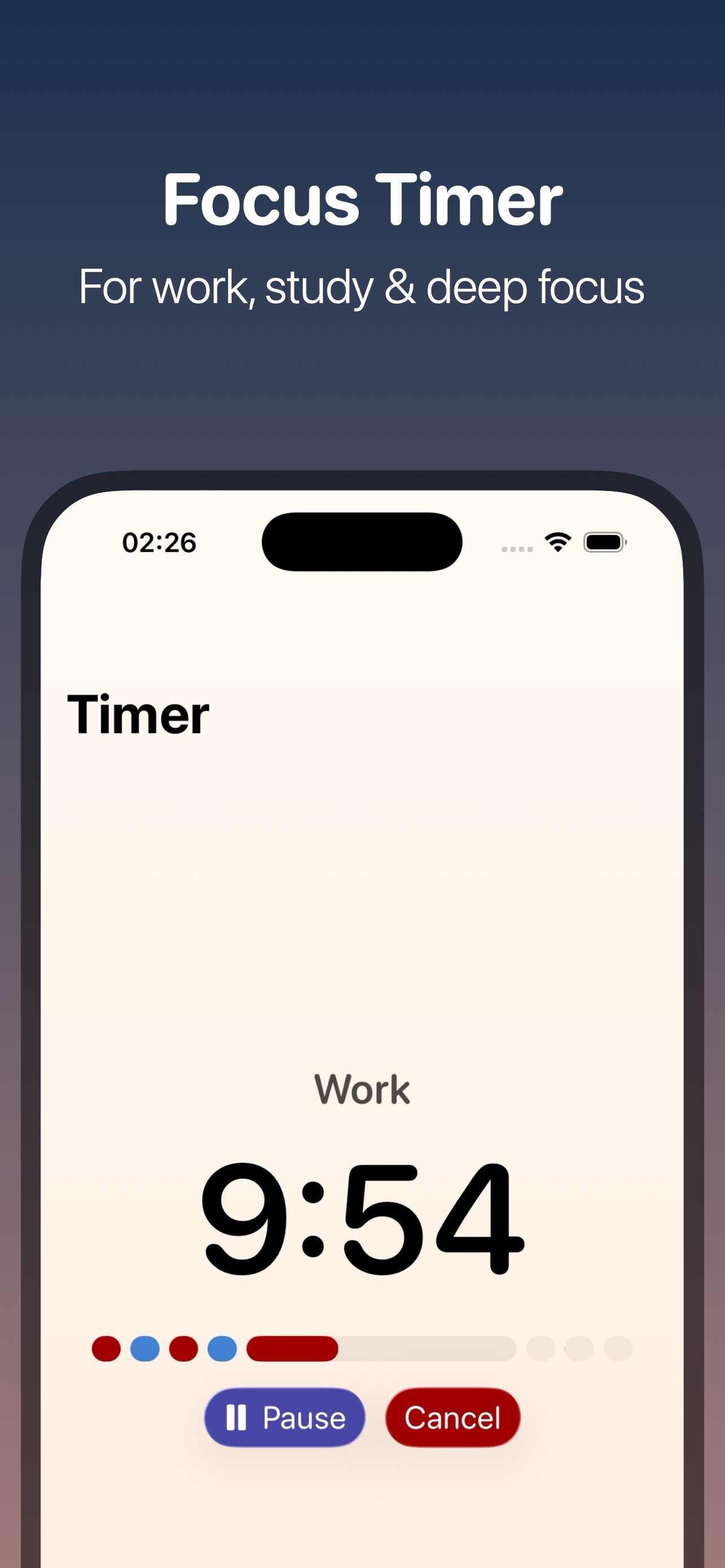
Tomato Timer is a calm, low-stimulation focus timer for study, work, and deep work — built for ADHD brains that need less noise and more structure.
Most Pomodoro timers are loud, animated, and distracting. Tomato Timer strips that away: pick a cycle, hit start, and stay in flow with a steady, predictable interface designed specifically for ADHD-friendly focus sessions.
Leave Feedback
Get Tomato Timer Free on the App Store
Minimalistic Pomodoro-style productivity timer built with SwiftUI, featuring Live Activities and Dynamic Island support for at-a-glance countdown tracking. Includes configurable multi-phase sessions (work/break cycles), deep links for quick controls, and persistent local storage with User Defaults.
How the Pomodoro Technique Works With Tomato Timer
Choose a focus session length, work until the timer ends, take a short break, then repeat — after a set number of cycles, take a longer break to recharge. Tomato Timer automates every phase change so you never have to manually reset a timer mid-task.
1. Pick a cycle (25/5 classic, 50/10, 90/20, or your own custom minutes)
2. Tap start — the app moves through work and break phases automatically
3. Enable ADHD-friendly mode if animations or background motion distract you
4. Check progress from your Lock Screen or Dynamic Island without unlocking your phone
5. Adjust your plan anytime as your schedule or energy changes
How to use a Pomodoro timer for ADHD focus
ADHD brains often lose focus to visual noise and unpredictable interfaces. Open Tomato Timer, switch on ADHD-friendly low-stimulation mode to disable animations and background tinting, then run 25-minute focus blocks with 5-minute breaks — the steady, predictable screen reduces the "just checking my phone" urge that breaks concentration.
How to use a study timer for exam prep
Set Tomato Timer to a 50-minute focus / 10-minute break cycle for reading-heavy revision, or 25/5 for flashcard drills and language learning. Use the visible progress bar to pace yourself through past-paper practice without constantly checking the clock.
How to use a work timer for coding or writing
Long, uninterrupted blocks work best for deep work like coding, writing, or design — set a custom 90-minute focus / 20-minute break cycle in Tomato Timer, keep the Live Activity on your Dynamic Island, and skip a break only when you're mid-flow using the one-tap skip control.
How to use a break timer to prevent burnout
Set short, non-negotiable break cycles (5–10 minutes) between focus blocks. Use the break phase to stretch, hydrate, or step away from your screen — Tomato Timer's phase alerts make sure breaks actually happen instead of being skipped under deadline pressure.
How to use an interval timer for routines
Beyond study and work, use Tomato Timer's customizable cycles for any routine that benefits from clear timed phases — meal prep, workouts, or chores — by setting your own focus and break minutes to match the task.
See the Low-Stimulation Focus Timer in Action
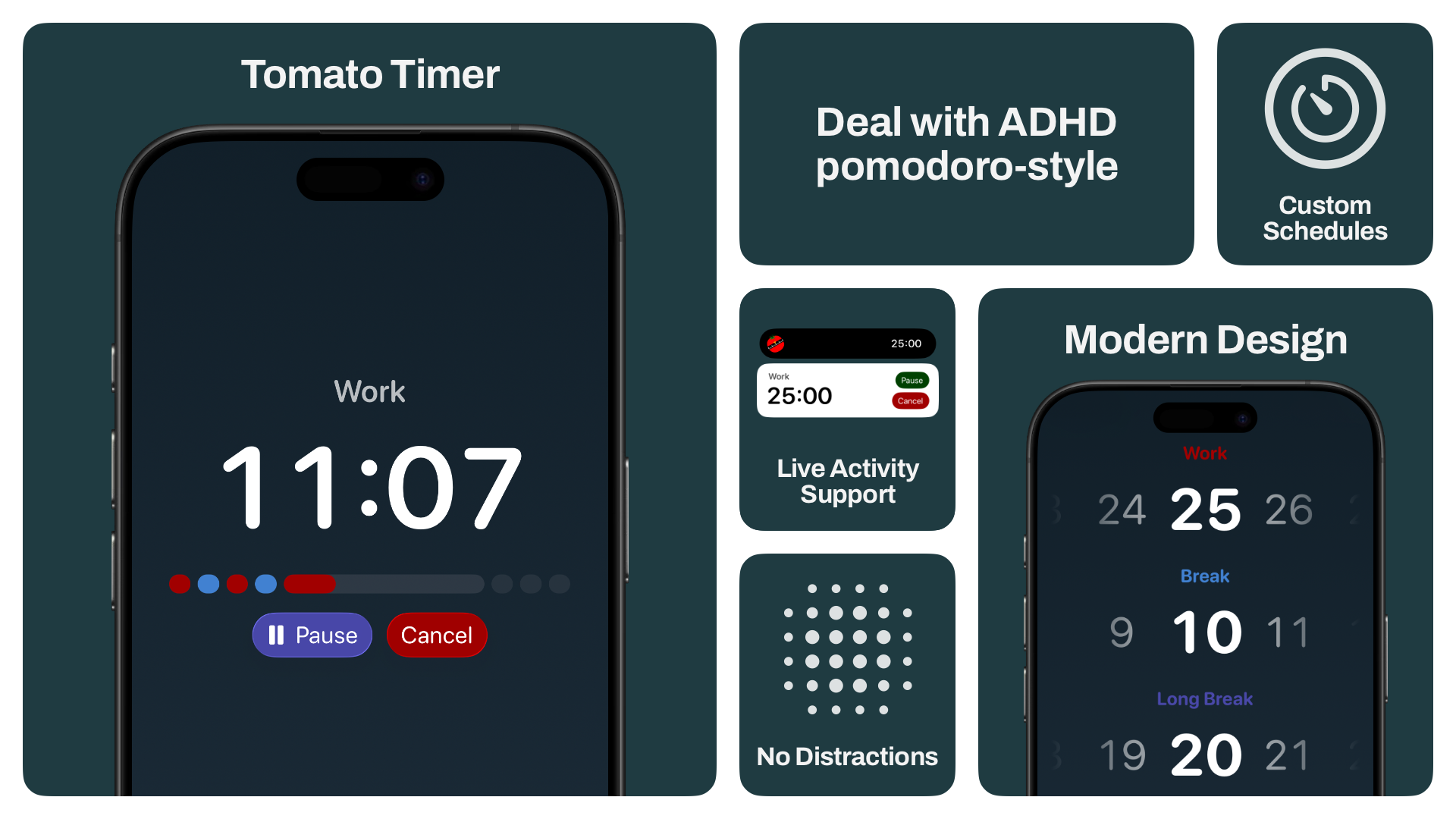
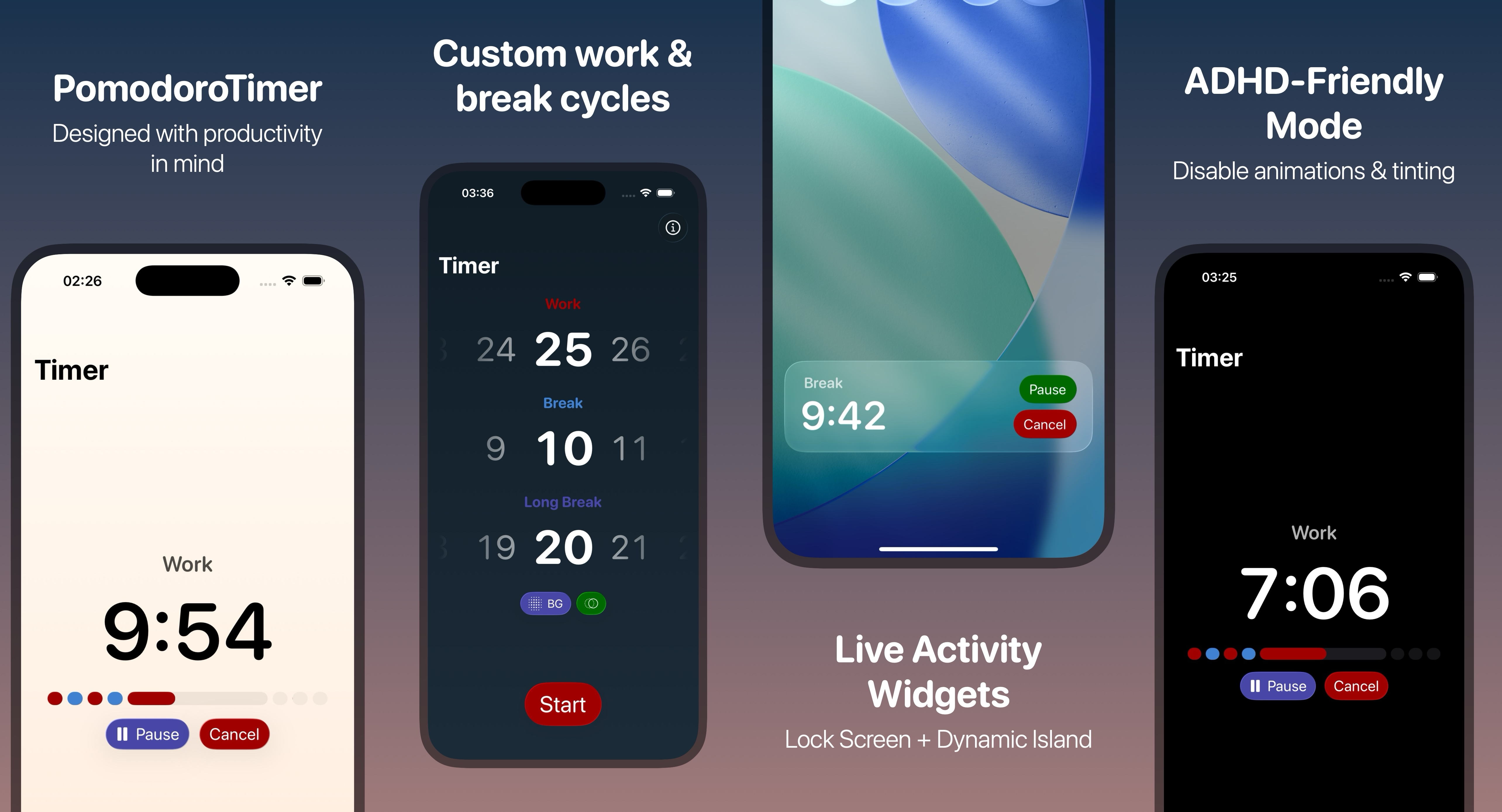
Every screen is designed to reduce visual noise: a clear progress bar, one-tap controls, and Live Activity widgets on your Lock Screen and Dynamic Island so you always know your remaining focus or break time without opening the app.
Frequently Asked Questions
Yes — Tomato Timer includes a dedicated ADHD-friendly low-stimulation mode that disables animations and background tinting, keeping the interface steady and predictable to reduce sensory distraction during focus sessions.
The Pomodoro Technique is a time-management method of working in focused intervals followed by short breaks; Tomato Timer automates this with customizable work/break cycles (25/5, 50/10, 90/20, or your own) and automatic phase changes.
Yes — Tomato Timer shows your current session, remaining time, and progress directly on your iPhone's Lock Screen and Dynamic Island, so you can track your timer without opening the app.
Yes — you can set your own focus minutes, short break minutes, long break minutes, and the number of cycles before a long break, and change this plan anytime.
Yes, Tomato Timer is free on the App Store and does not collect any user data. There's also a paid Tomato for Mac application available, that provides more comprehensive experience.
Tomato Timer requires iOS 16.6 or later and works on iPhone, iPad, and Apple Vision Pro.
Start Your First Focus Session Today
Join students, developers, writers, and ADHD brains using Tomato Timer as their daily study timer, work timer, and break timer. Free download, no account required, no data collected.
Tomato Timer — the calm, ADHD-friendly Pomodoro timer for study, work, and deep focus.
Home